When can I get NiceCast?
The iPhone app is in development. There is no announced release date yet. Verified download links will appear here when it is available. Android and Mac are planned.
The videos you find.
The moments you keep.
Made bigger.

Golden hour. Scene 2 of 3.
TVA good find on the web. Or a moment from your library.
Connect your iPhone and a compatible TV on the same Wi-Fi.
Send it to the big screen. Keep the controls close.

The iPhone app is in development. There is no announced release date yet. Verified download links will appear here when it is available. Android and Mac are planned.
Support depends on your TV, connection method and video format. We’ll share verified compatibility at release. Protected videos may not support casting.
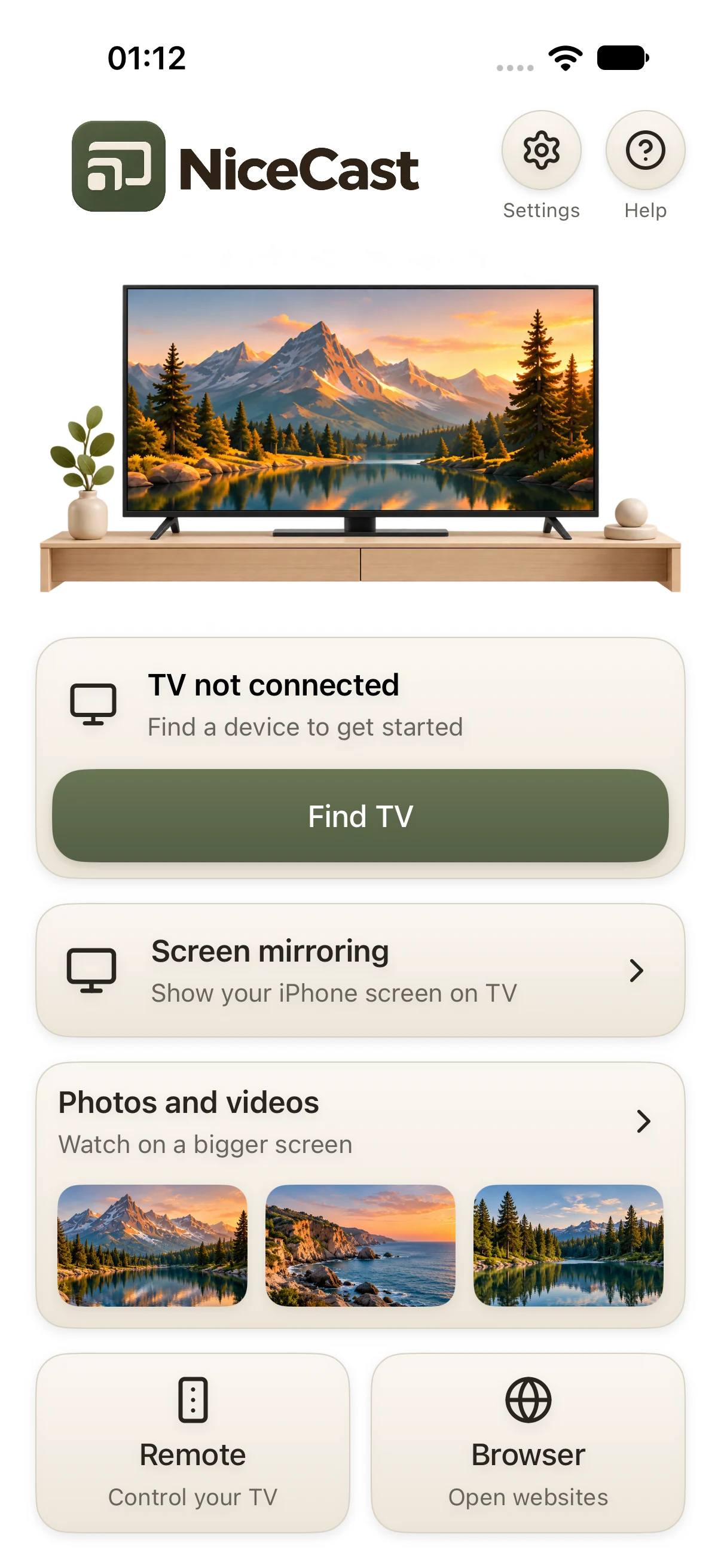
The phone shows a real development build. The visual stories illustrate the feeling of a bigger picture; they aren’t a live casting demonstration.